Please refer to my previous posts about my Ring Doorbell:
https://whysun.com/home/ring-doorbell-update-no-2/
https://whysun.com/home/ring-doorbell-update-chime-pro-wi-fi-extender-problems/
https://whysun.com/uncategorized/ring-doorbell/
I finally gave in and bought the Ring Doorbell 4. NOT that there was anything bad about the Ring Doorbell 2, especially after the Wi-Fi problems were resolved (See RING DOORBELL UPDATE No 2 ).
The main reason was that Ring sent me an Email offering a 25% Christmas discount and, apparently, I have more money than sense.
The upgrade was easy. You do get better video and a “pre roll” (you are given video of a few seconds before the detected motion) plus some other things. I turned on HDR video and this improves the quality of the videos. I now have 3 batteries so battery life is not an issue.
However, there are 4 things that I noted that may be of interest.
No 1 – Ring Plans
Having a plan is more or less essential. The basic plan for one camera device is AUD$40 per year – About AUD$0-77c per week.
Having a plan provides a number of facilities but the main one is the ability to download and save video. You could get by without one, but at 77cents a week – WHY??
I thought that my plan was attached to my Ring Account and that I could simply transfer to the new Doorbell. I don’t think this is the case. The plan appears to be attached to the device. I looked around on the site but in the end I could not find any alternative but to cancel the old plan and start a new plan for the new Doorbell. This is NOT an issue as I was given a full pro rata refund and I also was given a free month for the new device.
No 2 – Microsoft Store App
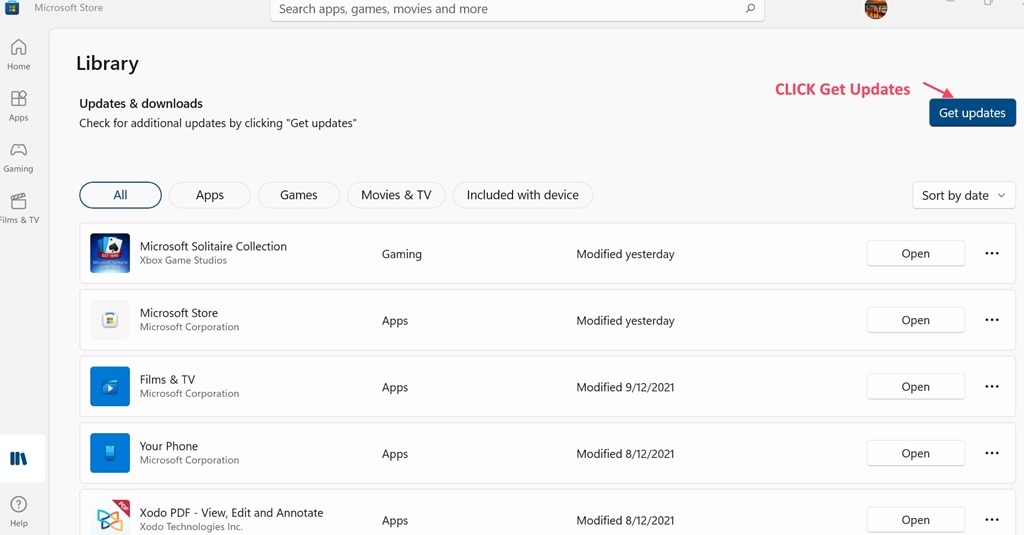
The Microsoft Store Ring App will be discontinued an the end of this month. However the new Doorbell 4 will not show on the App so mine is finished a couple of weeks early. PLEASE RING update the account web site as promised to full functionality. (A note on the App in the Microsoft Store advises that the App will be discontinued at the end of December but the web site will be upgraded to replace the App.)
No 3 – IoT Devices ( “IoT” – Internet of Things – Various devices that connect to the internet so that you can control them via an App on a phone etc.)
When I was setting up the new Doorbell, at first it would not connect to the Chime Pro. It suggested that I connect to my router. I did that and after an update it all worked as it should. (I should say that everything you buy these days requires an immediate update.)
HOWEVER, when I connected, it did not require the Wi-Fi password for that particular router. The App remembered it. THIS IS A REMINDER for one of the many reasons why you should have all IoT devices on a separate Wi-Fi Network. I only have 2 IoT devices – My Ring Doorbell and my Solar Electricity. They have their own router with a different SSID / IP address.
No 4 – Packaging
The Doorbell 4 package is less than half the size of the Doorbell 2.
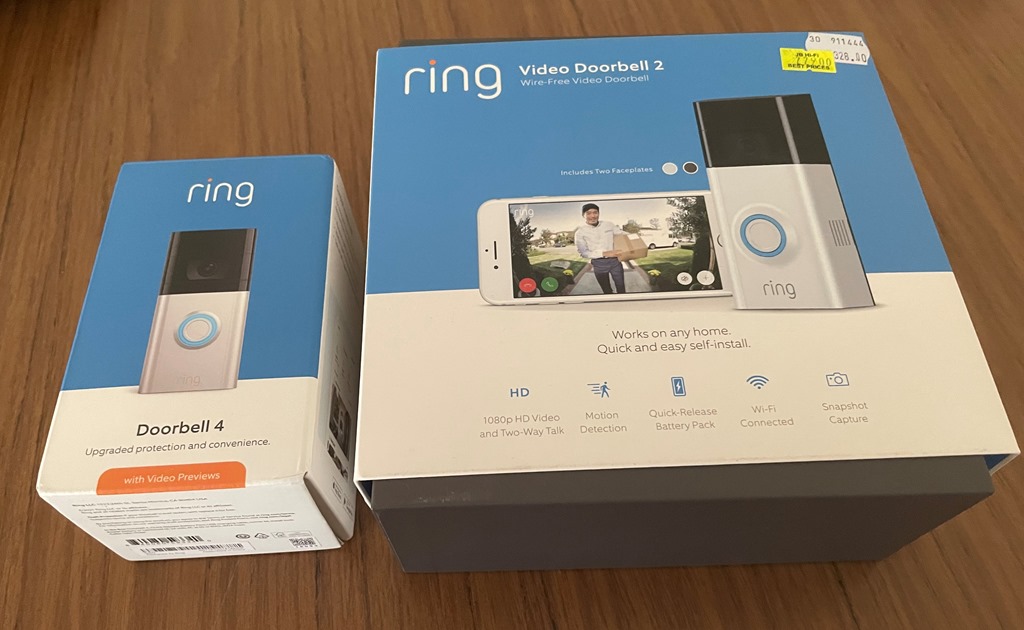
They saved space by having the battery in the doorbell (with plastic protectors over the contacts) and by omitting things:
- Only one extra (Corner) mount comes with Doorbell 4– There are 3 different mounts in the Doorbell 2;
- The masonry bit is not in the 4;
- The little level is not included in the 4;
- Extra Face Plate (different colour) comes with Doorbell 2 but not with 4.
All of these items can be bought separately for a few dollars and I did not use any of them.
The Doorbell 4 screwed into the same holes that I made for the Doorbell 2.
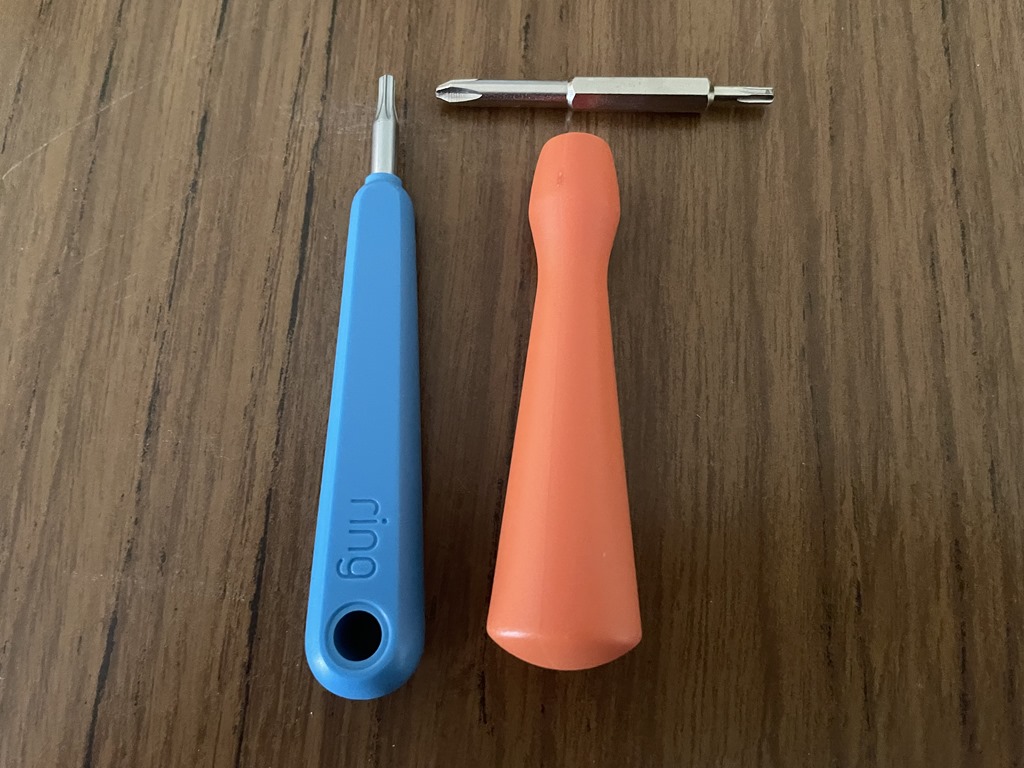
Also, both have a screw driver for the special security screw for the battery but the Doorbell 4 is not reversable like the Phillips Head/Security screw with the Doorbell 2.
FINAL THOUGHT – WAS IT WORTH IT. The Pre Roll is worth the upgrade. I have tested it and it works well.